Guides 8 min read
Google review QR code: how to make one for free and where to put it
How to make a QR code for Google reviews from your Google Business Profile in two minutes, for free, and where to place it so customers leave a review.

In this article
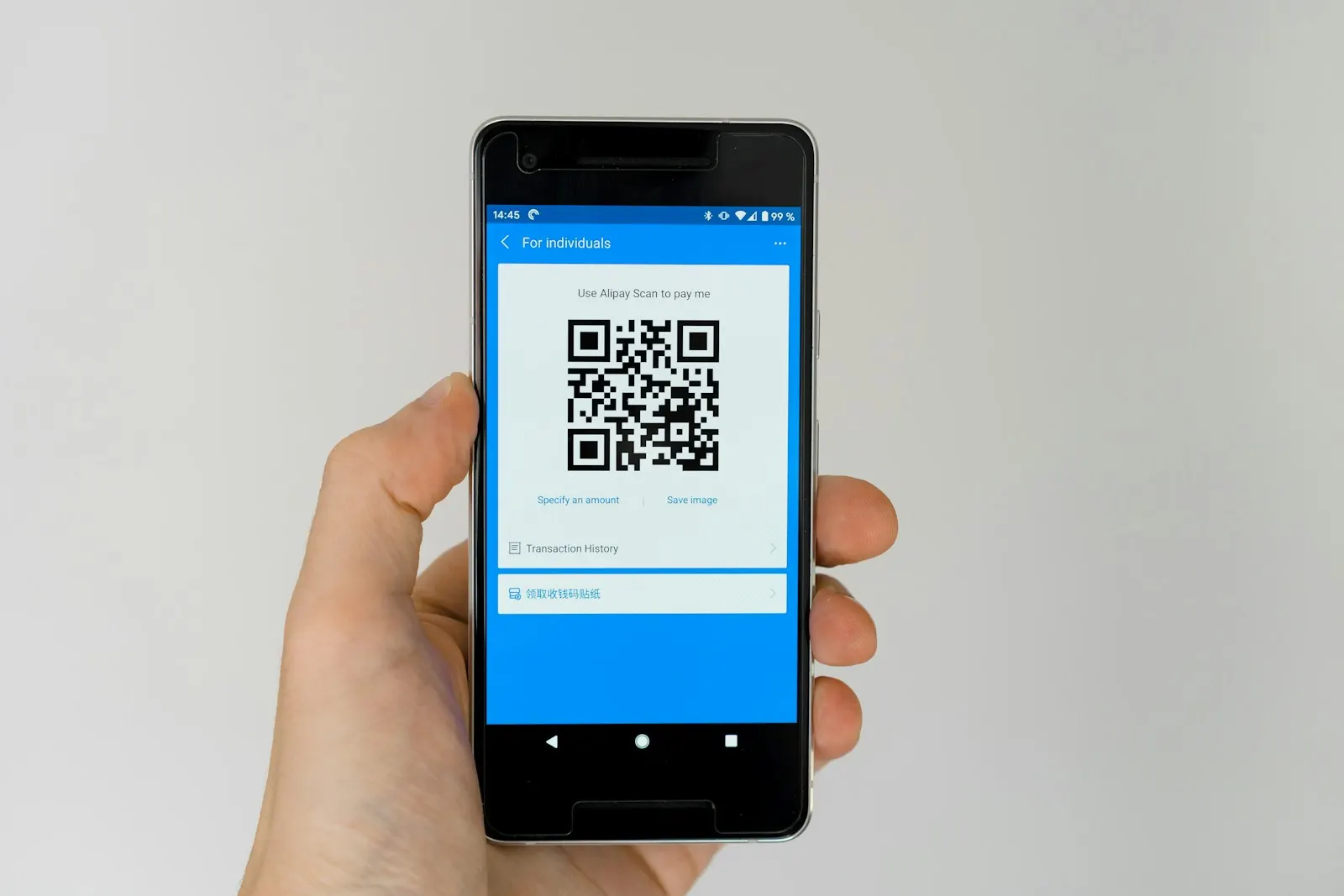
The fastest way to more Google reviews is a QR code that the customer scans while they’re still with you. You can make it for free in your Google Business Profile in two minutes, print it and put it where the customer already stands and waits: on the counter, the invoice, the business card or the door.
A happy customer doesn’t want to look up your profile on Google, scroll to the reviews and guess where to click. When a code opens a five-star form with one scan, the job is done in half a minute.
In this article I show the exact steps in the Google profile, why I don’t recommend free generators for print, where a QR code works best and what to write next to it. How and when to ask for reviews is covered in How to get more Google reviews, so I don’t repeat it here.
How to make a QR code for Google reviews, step by step
Google changes the menu names from time to time, so old guides often don’t match what you see on screen. These steps follow Google’s Business Profile help as of November 2026:
- On a computer, open business.google.com and sign in with the account that manages the profile.
- Open your profile and choose Read reviews.
- Click Get more reviews (next to the share icon).
- For the link, choose Copy. For the QR code, right-click the code and choose Save image as….
That’s it. You now have an image you can send to a print shop, drop into a business card design or print on an ordinary printer.
One thing confuses people: Google currently gives you the QR code only in a browser on a computer, not in the mobile app. If you can’t see it on your phone, you haven’t done anything wrong (Google just likes it when you ask on desktop).
Keep the link you copied somewhere handy. You send the same link in an SMS or on WhatsApp, and the QR code is just that link in a form you can scan.
Do you need a QR code generator?
Not for reviews. When you type “how to make a QR code” into Google, you get dozens of free generators, and for Google reviews you don’t need any of them because Google already gives you the code itself.
Generators also have a trap you only see when it’s too late. Many make so-called dynamic codes, which send the customer to the generator’s server first and only then to Google. Such a code works as long as you pay. One of the best-known generators says in its help pages that dynamic codes created during the 14-day trial are switched off afterward, and scanning leads to their page instead of yours.
Picture 500 business cards and a sticker on a van with a code that, after two weeks, leads to someone else’s page with a subscription offer. That’s why I recommend only one thing: the code from your Google profile. If you really have to use a generator (for example for a link to your website), choose a static code, which stores the link in the image itself and never expires.
Where to put a QR code so people actually scan it
The rule is simple: the code goes where the customer has a phone in hand and half a minute of time. Three or four places where the customer really stops are enough.
Counter or checkout
This is spot number one for salons, clinics, repair shops, bakeries and stores. The customer is waiting for the receipt, the card is processing and the phone is already in their hand. A small stand with the code at eye level works better than a sticker flat on the counter, because you can see it even when there are papers on the counter.
Invoice and quote
A code at the bottom of an invoice or a quote in PDF is seen when the job is done and the customer is happiest. If you issue invoices from software, check whether an image fits in the footer. For an invoice you send by email, add the link, because nobody scans a code on a screen with the same phone they’re reading it on.
Business card
On the back of a business card the code works twice: a happy customer leaves a review, and someone you were recommended to sees your reviews and rating right away. For tradespeople who work at the customer’s home (plumbers, electricians, tilers), a business card you leave after the job is often the only place for the code.
Vehicle
A sticker on a van or car makes sense if the vehicle stands in front of the customer’s house while you work. The code has to be big and on the rear doors or the side at eye level, not on the hood. Count on at least 20 cm (about 8 in) of width for a code on a vehicle, otherwise nobody will scan it from the sidewalk.
Door and shop window
A sticker on the inside of the door catches the customer on the way out, when the service is done. The outside of the shop window makes less sense for reviews, because a passerby isn’t your customer yet.
Where the code doesn’t work
On roadside billboards, in newspaper ads and in places where people don’t stop. There, the code is scanned by someone who hasn’t tried you yet, and Google doesn’t want those reviews.
What to write next to the QR code
The code alone is a square that tells nobody anything. Next to it there has to be one short sentence that says what happens when you scan it and how long it takes.
Sentences that work well:
- “Happy with us? Scan and leave us a Google review. It takes 30 seconds.”
- “Your opinion helps others find us. Scan to leave a Google review.”
- “Thanks for choosing us. A Google review means a lot to us.”
Add the Google logo or five stars next to the code, so the customer knows right away where it leads. People are rightly careful about scanning unknown codes, and a clear label removes the doubt.
What you don’t write: “Scan and get 10% off” or any kind of reward. More on that in the next section.
If you want the stand, sticker and business card to look like one set with your logo and colors, I handle that through graphic design.
Google’s rules that apply to the QR code too
A QR code is just a path to the form, and all the review rules apply equally. Google’s content rules for Maps explicitly forbid:
- a reward for a review (a discount, a free service, a gift, entry into a prize draw);
- asking for reviews only from customers you know are happy (the code on the counter is for all customers, not only the ones who smiled);
- pressuring the customer to leave a review while they’re in your premises;
- asking for specific content in the review;
- reviews from employees and family.
A code on the counter breaks none of that. What does break it is an employee who takes the phone out of the customer’s hand, scans the code and stands over them until they click five stars. The code sits on the counter, and the customer decides for themselves whether to scan it.
Google removes reviews written under pressure or for a reward, sometimes several at once. A few honest reviews a month are worth much more than twenty suspicious ones in a single week.
How many reviews to expect from a QR code
I can’t promise an exact number, because it depends on how many customers you have and how good you are to them. What I can say: a code that just sits on the counter gets scanned by few people. A code with one sentence said in person (“If you’re happy, the code is right here, I’d appreciate it”) gets scanned by many more, because you mentioned it (and because nobody reads the signs on the counter while waiting for the card).
A QR code shortens the path from satisfaction to a review from five steps to one. Every step you remove brings reviews from people who would otherwise just say thanks and leave.
And those reviews bring money. A customer looking for a hairdresser or a tradesperson in your neighborhood compares three businesses on Google and picks the one with more fresh reviews. Every new review is one more reason to call you. How reviews affect your ranking is covered in my guide to the Google Business Profile.
The QR code is the start, a system brings the rankings
A code on the counter is a good first step and you can do it this afternoon. A spot in the top three on Google in your city takes more, though: regular reviews, a well-kept profile, photos, posts and a website that tells Google clearly what you do and where.
I handle that part through local SEO, and reviews are part of the routine in it: the link, the code, the message you send after the service and tracking how many new reviews arrived compared with your competitors.
If you want to see how many reviews you’re missing to catch the competitors ahead of you, I’ll look at it on a free call and tell you how fast you can realistically get there.
Frequently asked questions
Is the QR code for Google reviews free?
Yes. Google gives it to you for free in your Google Business Profile, and it leads straight to the review form for your business. You don't need to pay for any generator or subscription.
Can I make a review QR code on my phone?
You can copy the review link on your phone, but Google currently gives you the QR code itself only in a browser on a computer. Open business.google.com on a computer and save the image of the code.
Will the QR code stop working?
A code you save from your Google profile points straight to Google's link and works as long as your profile exists. Codes from some free generators pass through their server and can be switched off when the trial ends, so I don't recommend them for print.
Can I give a discount to a customer who scans the code and leaves a review?
No. Google forbids any reward for a review, from discounts to gifts, and it removes such reviews. The QR code may only make the path to a review easier.
How big does a QR code have to be on a counter or a sticker?
On a business card or an invoice, at least 2 cm (about 0.8 in). On a counter or a door, bigger. My rule is that the code should be at least a tenth as wide as the distance people scan it from, so for a vehicle people look at from two meters (about 6.5 ft) that means roughly 20 cm (about 8 in).

About the author
Matija Terzić
I am the founder of VRH Agency from Rijeka. I run the whole marketing for businesses, from ads and SEO to websites and automation, so they win more clients and more profit, and I write about it from my everyday work with clients.
More about me